what's in the cup
A ROM library manager that does the boring parts properly — and a whole second face for when you're done managing and want to actually play something.
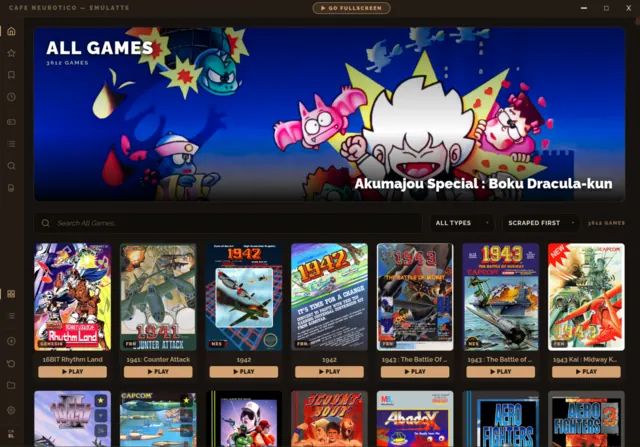
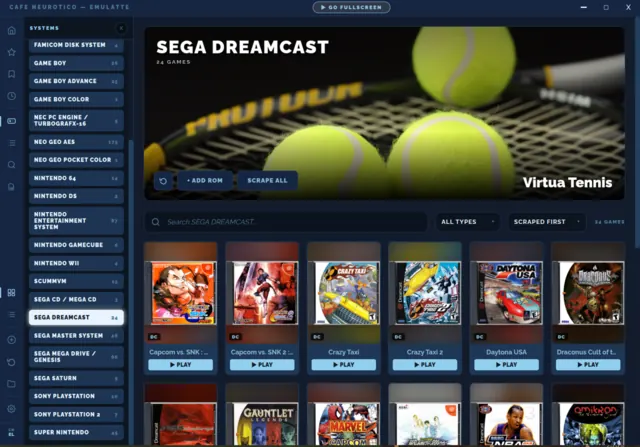
56 systems, with opinions
Every preset arrives with a RetroArch core already chosen and the platform IDs the scrapers need. You point it at a folder; it does the rest. Your ROM files are never moved, copied or renamed.
It finds your emulators for you
The emulator scanner sweeps the machine for what's already installed — RetroArch native, Flatpak, standalone cores — and maps them to systems without you typing a single launch command.
Five scraping sources, one picker
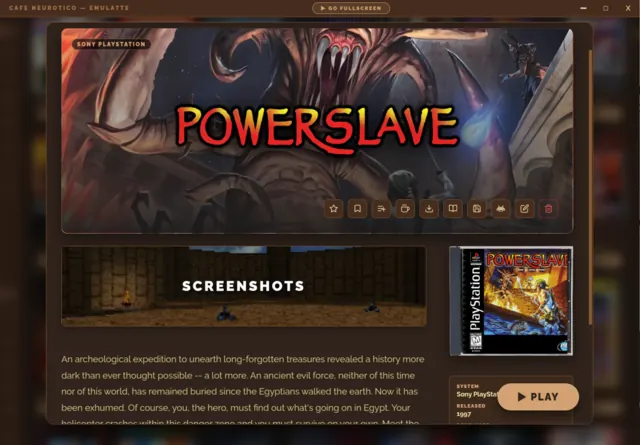
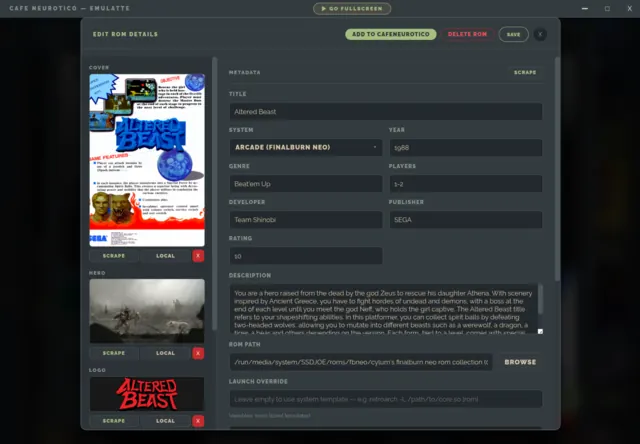
ScreenScraper, SteamGridDB, TheGamesDB, IGDB and MobyGames. Take metadata from one and artwork from another. Everything lands on your disk and stays there.
Its own RetroArch, untouched by yours
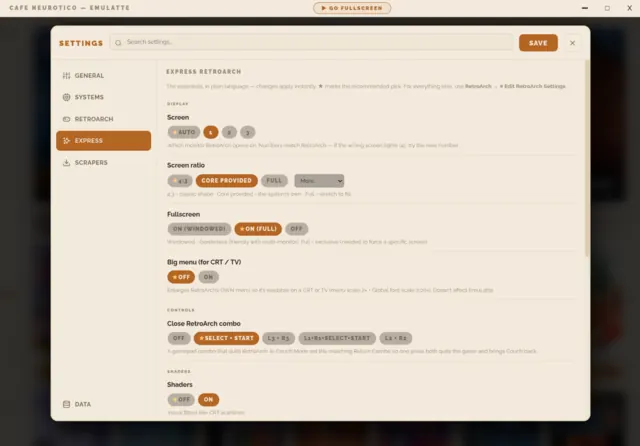
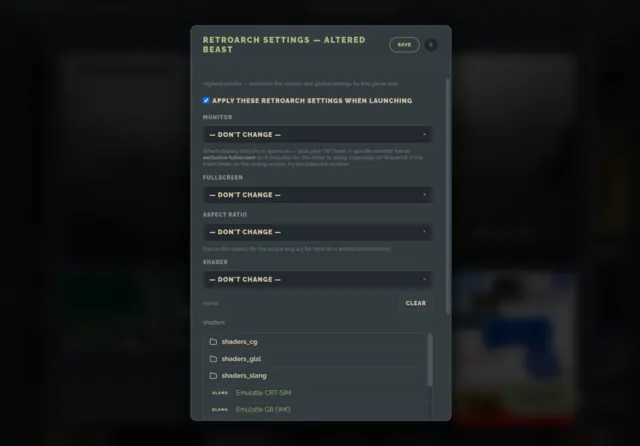
EmuLatte drives a config of its own — your retroarch.cfg is never read and never written. Per-system and per-game overrides for the one game that needs a different core.
Achievements, trailers, and the actual manual
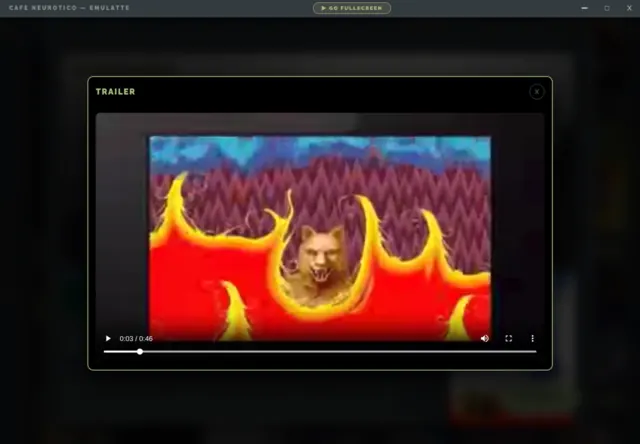
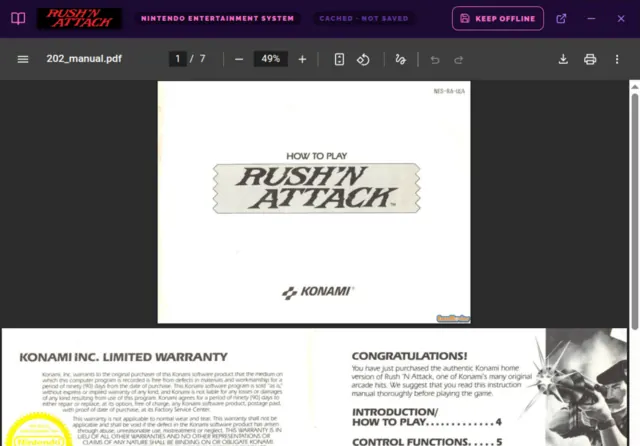
RetroAchievements progress per game. Trailers fetched with a bundled yt-dlp. And the scanned booklet that came in the box, pulled straight from ScreenScraper.
Couch Mode
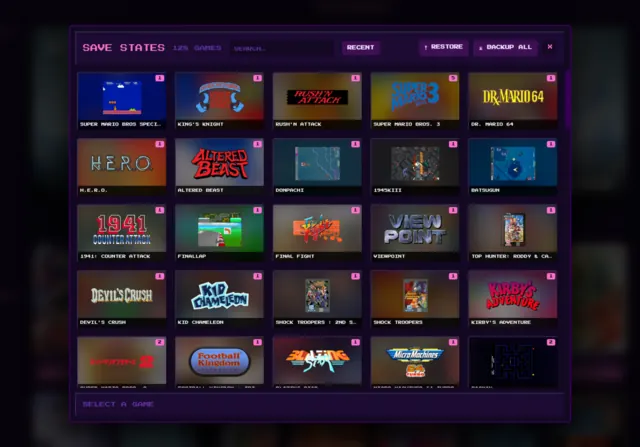
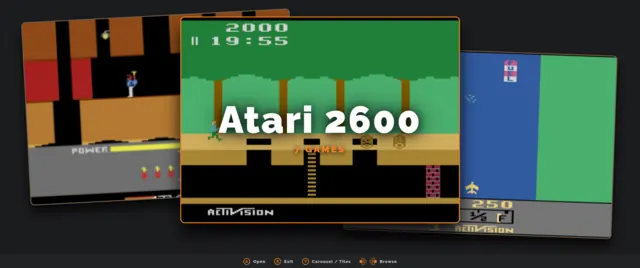
Fullscreen, gamepad-first, play-only — with three real layouts including a genuine 640×480 CRT mode. Save states, a screenshot screensaver, ambient sound, and a return combo that brings you back mid-game.
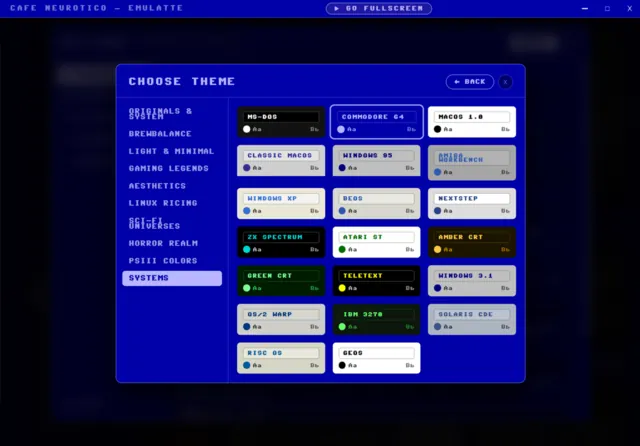
92 themes, 10 families
Both faces carry all of them — including twenty retro operating systems, each with its own era typeface. MS-DOS, Workbench, NeXTSTEP, green phosphor. Fonts bundled; nothing phones home.
Local-only. Yours.
One folder next to the AppImage holds the lot. No account, no telemetry, no cloud. Copy the folder and your library comes with you.
a look inside
Click any shot to open it full size.

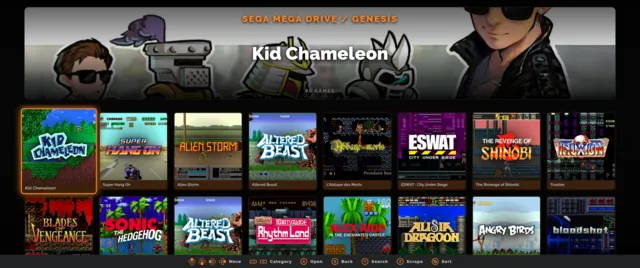
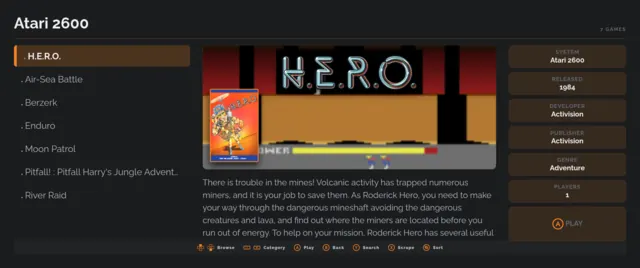
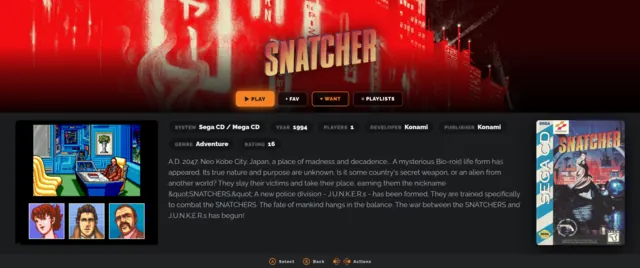
also on the menu
Separate apps, same roof. EmuLatte is complete on its own — these are here if you want them.
Cafe Neurotico
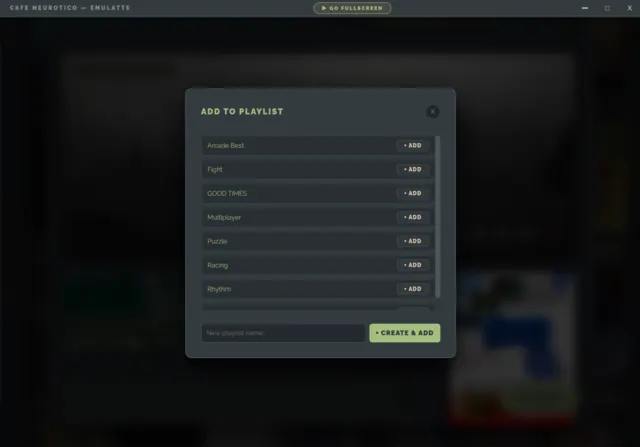
The rest of the library — Steam, GOG, Epic, Flatpak, itch.io and PICO-8 — in one Electron binary with three faces: the Manager, GRINDER and CREMA. Your ROM collection stays here in EmuLatte; you pick which games cross over by exporting them to Cafe Neurotico from inside EmuLatte, and those arrive as ordinary entries under an Emulation category.
Get Cafe Neurotico ▸CafeNeurotico Clock
A standalone clock that runs a slow slideshow of your library's artwork — Ken Burns pans, configurable faces. Point it at your collection and let it sit on a second screen.
Get the Clock ▸tip the barista
If EmuLatte sorted out your ROM collection, consider buying me a coffee — it keeps the pot warm.
If you do, let me know so I can thank you personally! :)
Cafe Neurotico · support page · source on GitHub · GPL-3.0-or-later